Routing Strategies
Where to Find It in the UI
- Sidebar: "Routing"
- Tab: "Strategies"
Purpose
Manage and configure routing strategies to control how requests are directed to different LLM providers based on a defined provisioning preference and provider assignment.
Initial Setup
When you first navigate to the "Strategies" tab, you will see the default routing strategy created for your organization. The initial routing strategy will have no providers assigned, i.e. it will not route any requests until configured. To configure the strategy, you need to edit it and assign providers.
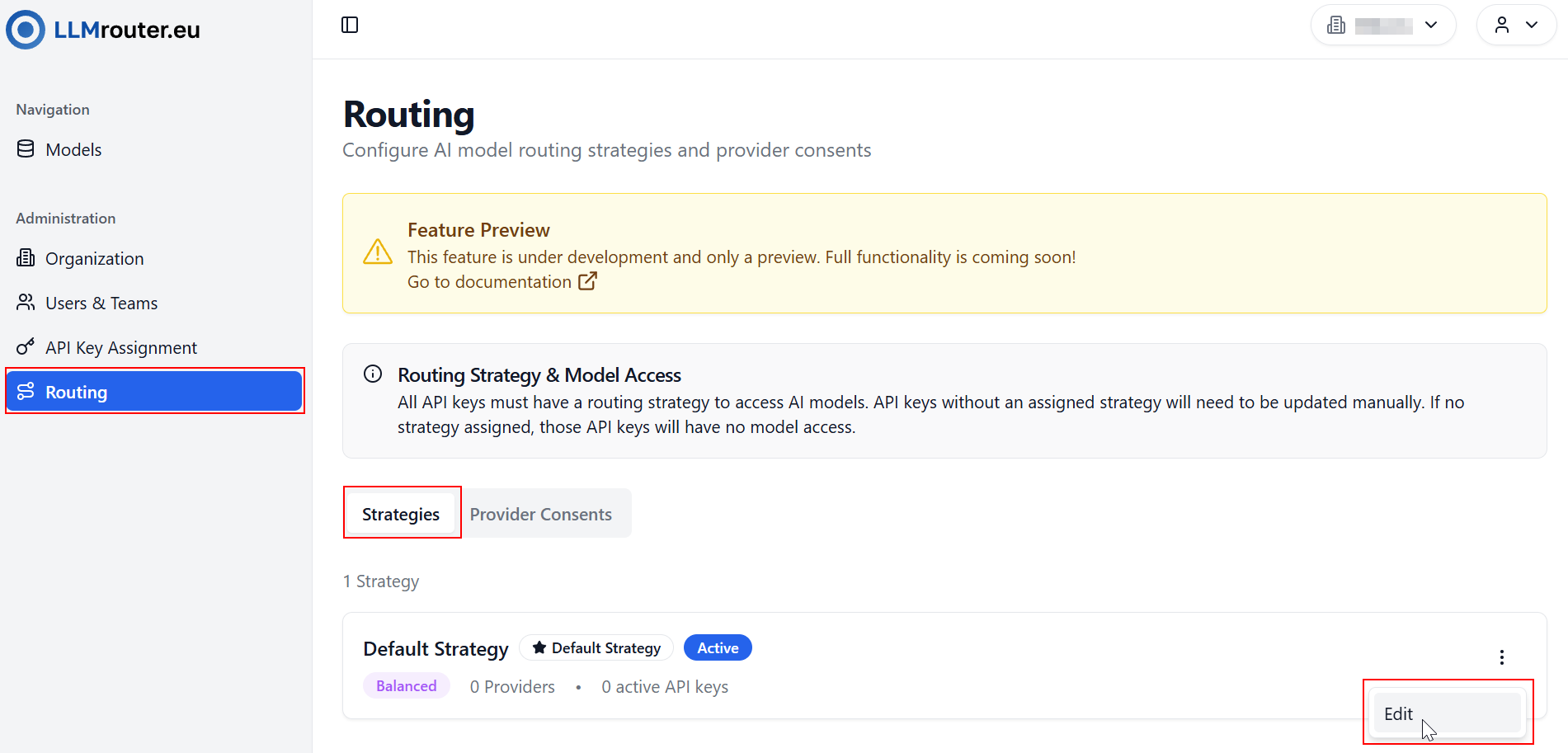
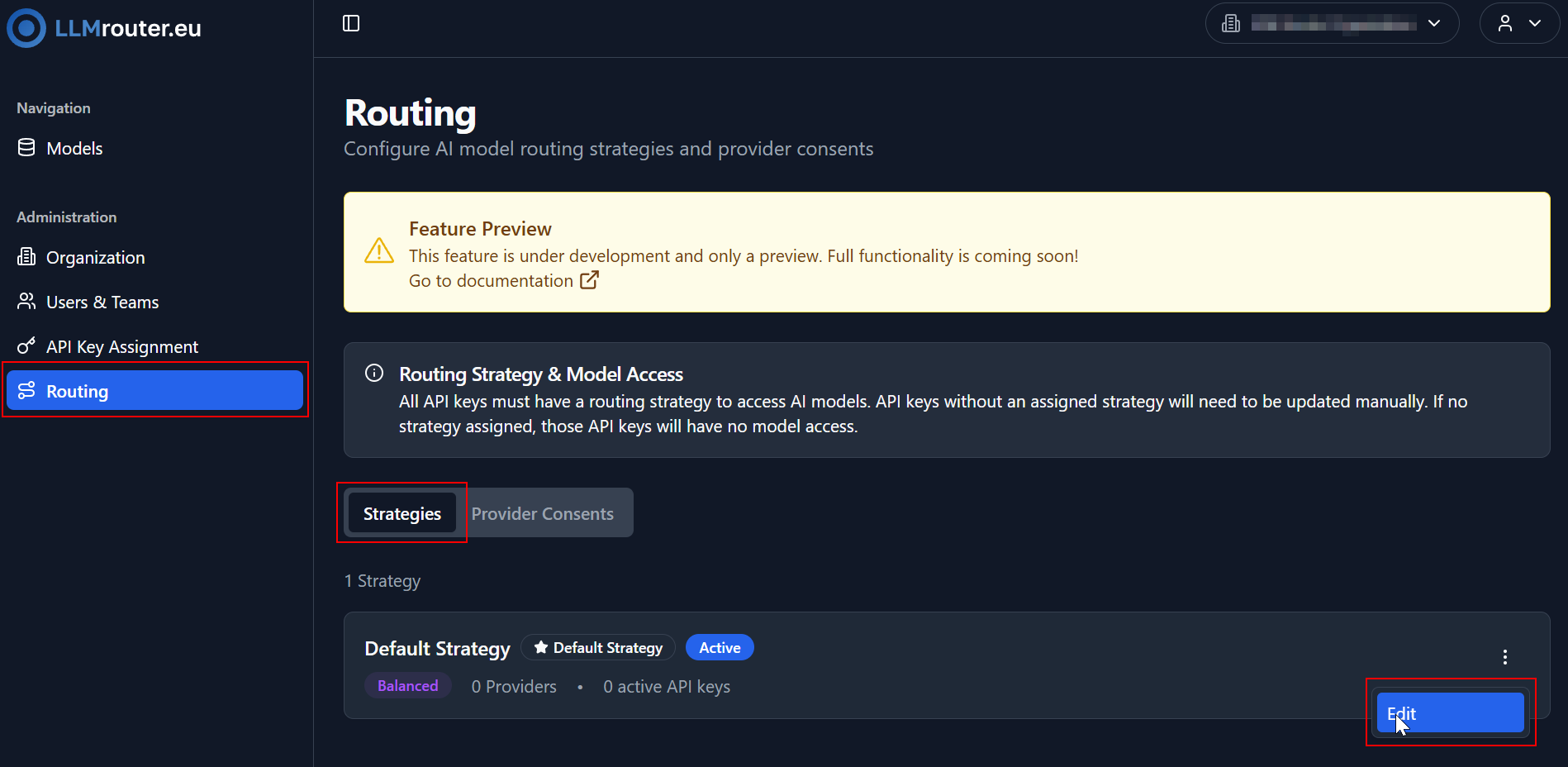
Figure 1: Routing Strategy Overview
Edit Dialog
In the Edit Dialog you can:
- Edit the name and description of the strategy
- Change provisioning preference (for now only "Balanced" is available, which distributes requests evenly among assigned providers)
- Assign providers to the strategy
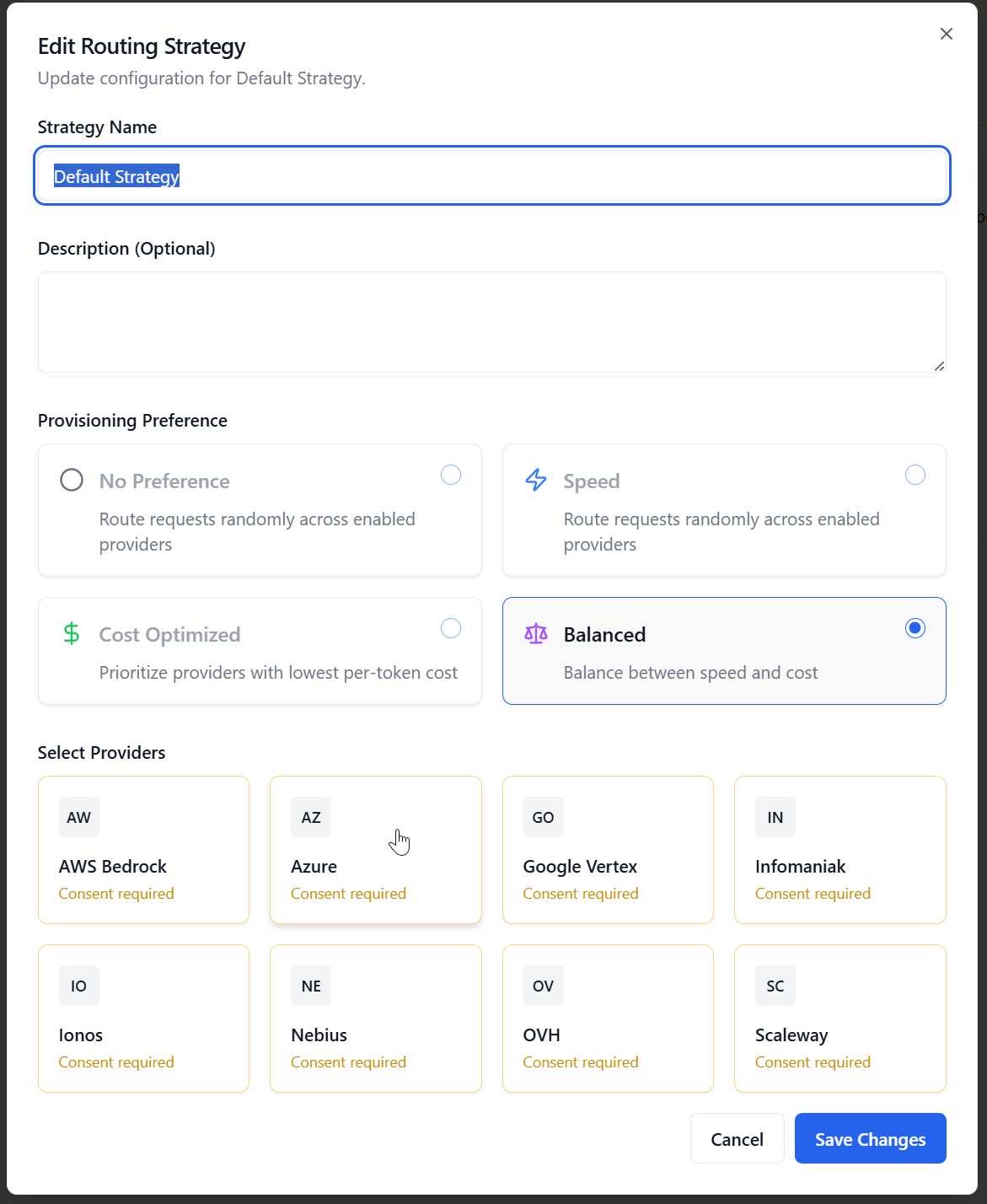
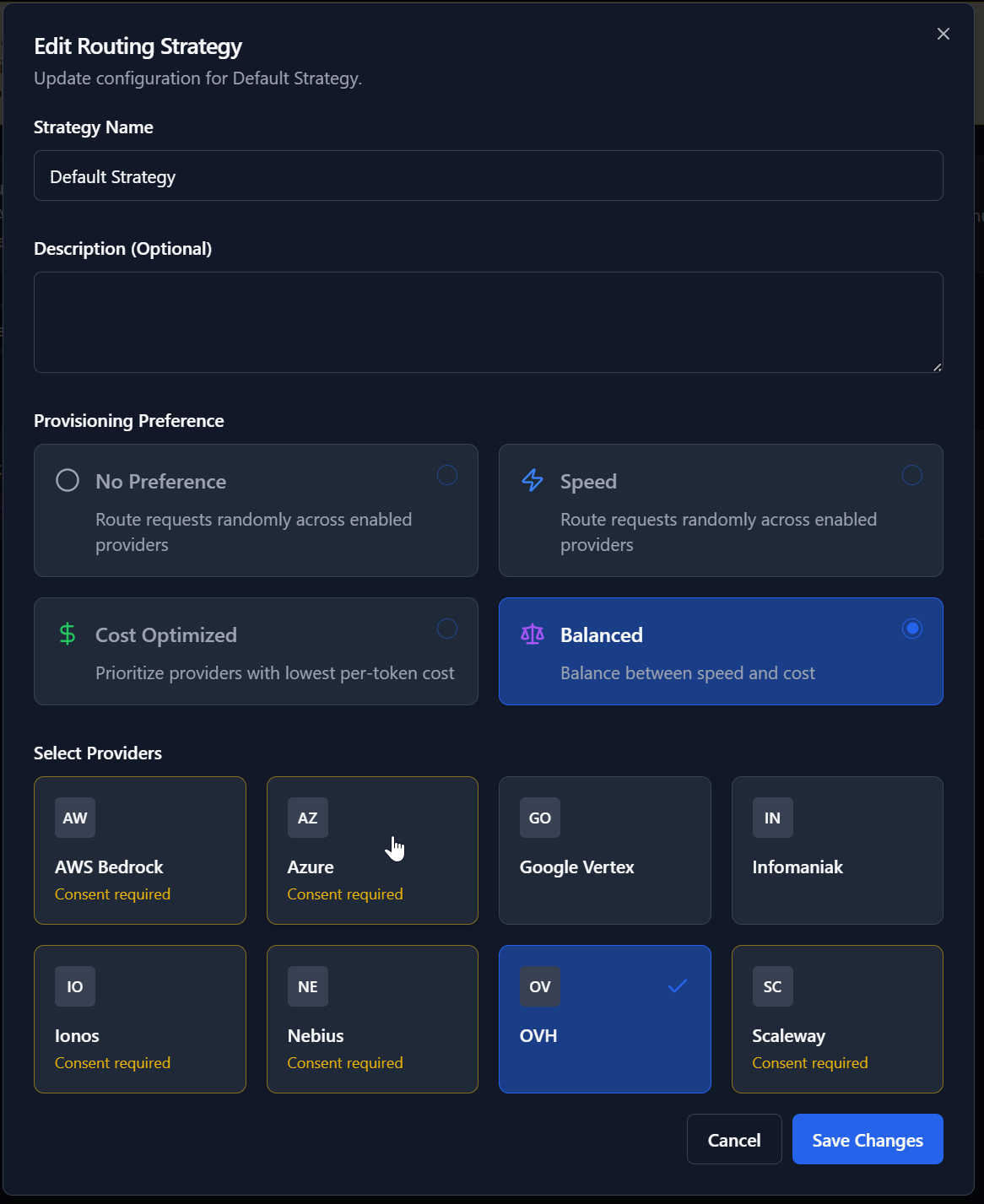
Figure 2: Routing Strategy Edit Dialog
Providers marked in yellow with the label Consent required indicate that you have not yet accepted the provider's terms of service and privacy policy. However, this is necessary, to be able to assign providers. To do so you need to click on any given provider to open the consent dialog and accept the documents after you have read them.
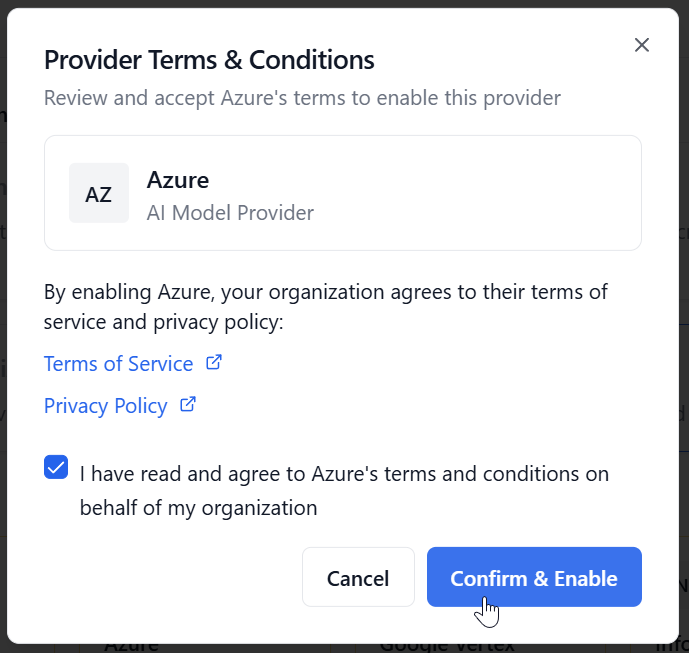
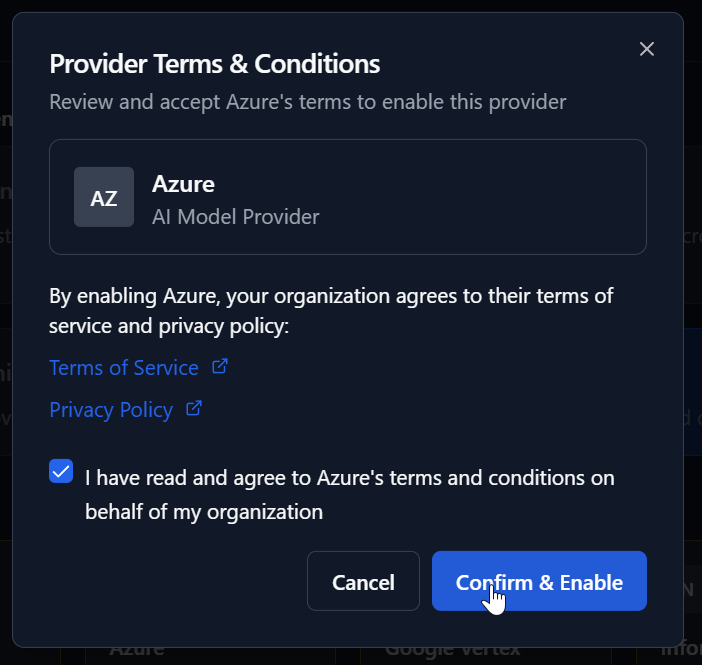
Figure 3: Provider Consent Dialog
After giving consent the provider can be assigned to strategies. Save your changes to apply the new configuration.
After configuring the default strategy it can be now assigned when creating or editing API keys. See the API Key Management documentation for more details.
Manage Routing Strategies
For now there is only one Default Routing Strategy available. Creating and deleting strategies will be available in future releases.
Notes
This feature is currently in preview. Some functionality may not be fully available yet.