User Management
Features
- User Provisioning: Add users via the interface.
Typical Workflows
Adding a New User
- Navigate to the Users & Teams panel.
- Select Users and click Invite Member.
- Enter user details, choose team and assign a role.
- Save changes. The user will receive an invitation email.
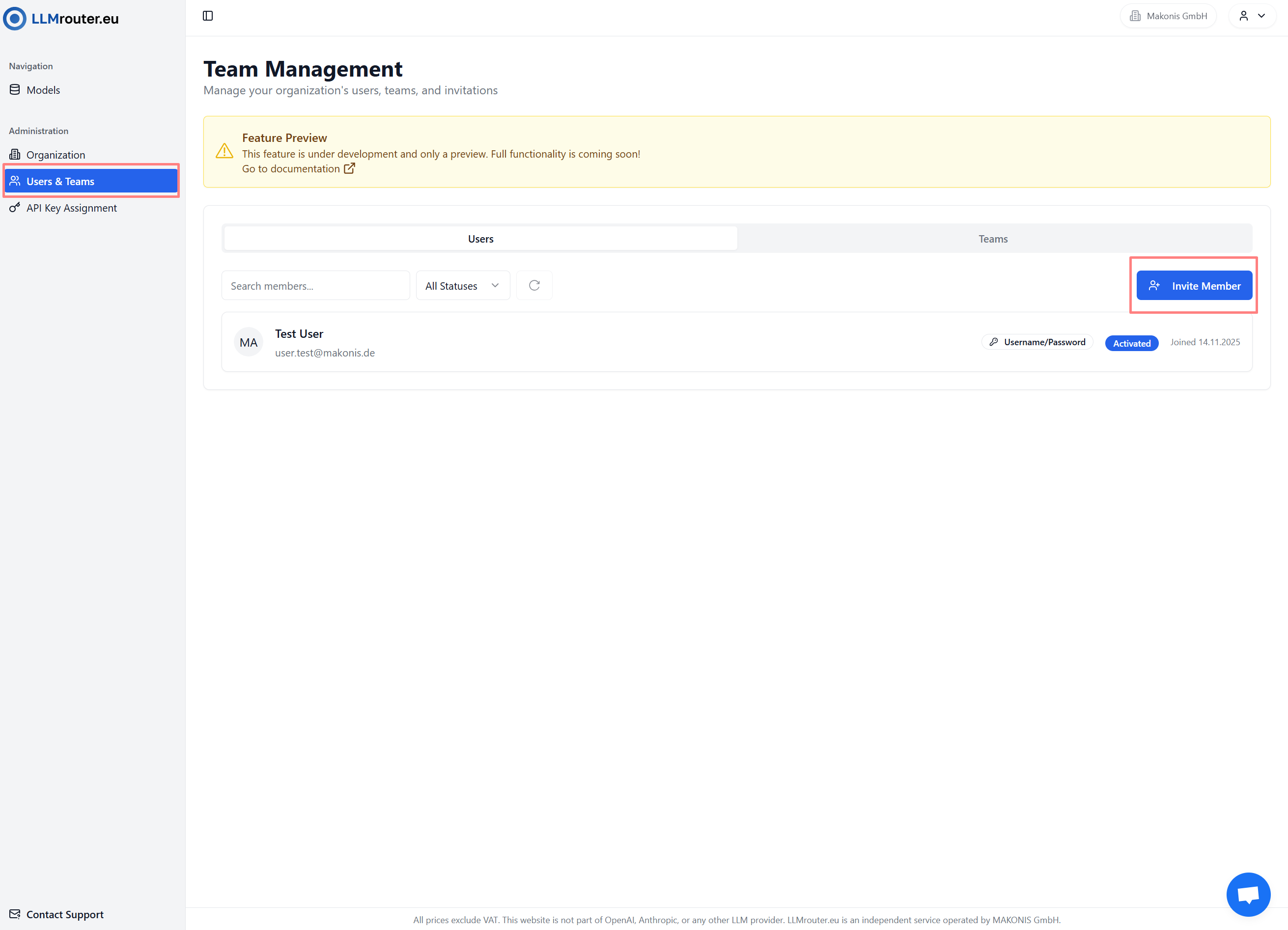
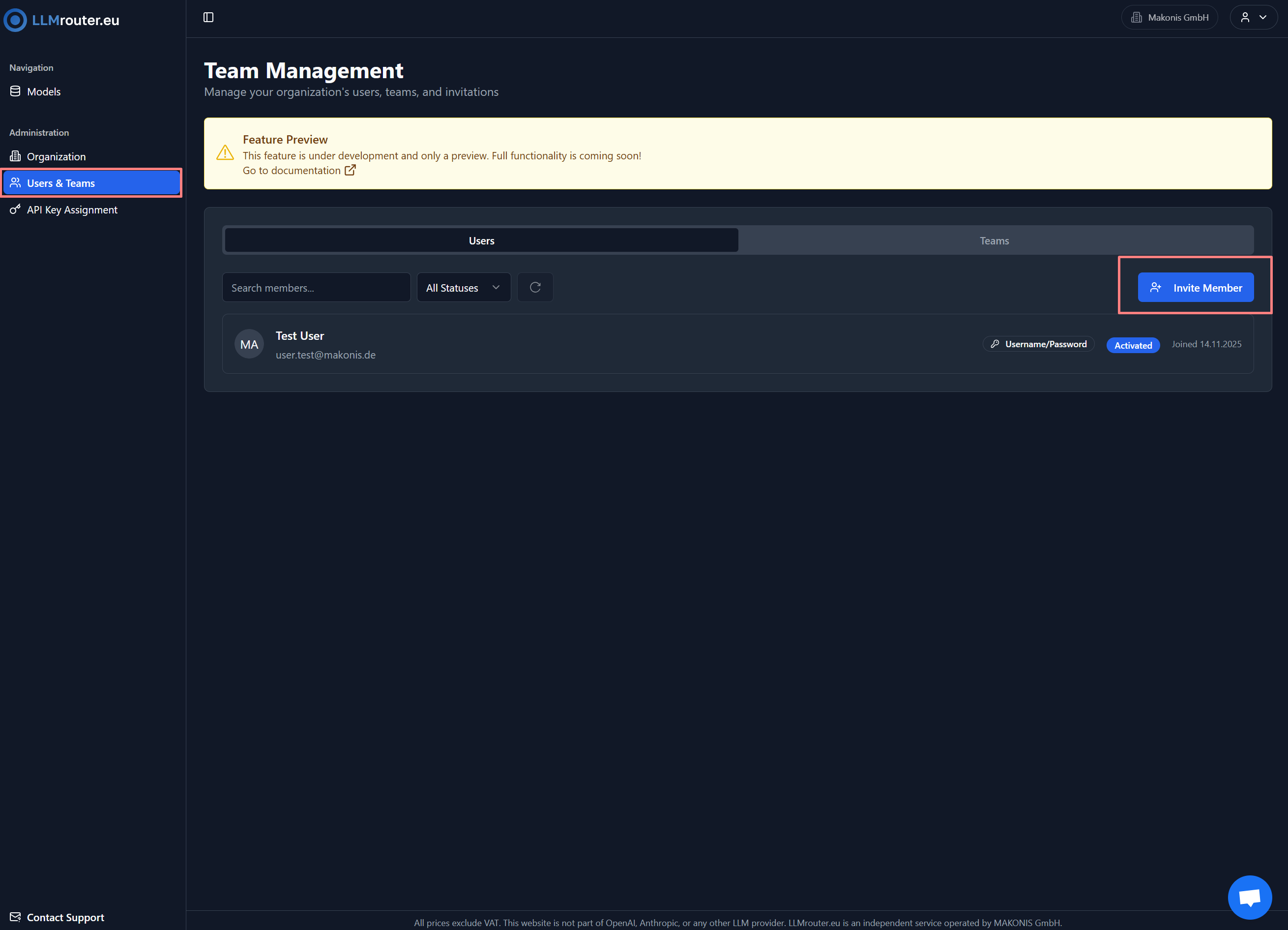
Figure 1: Overview of users
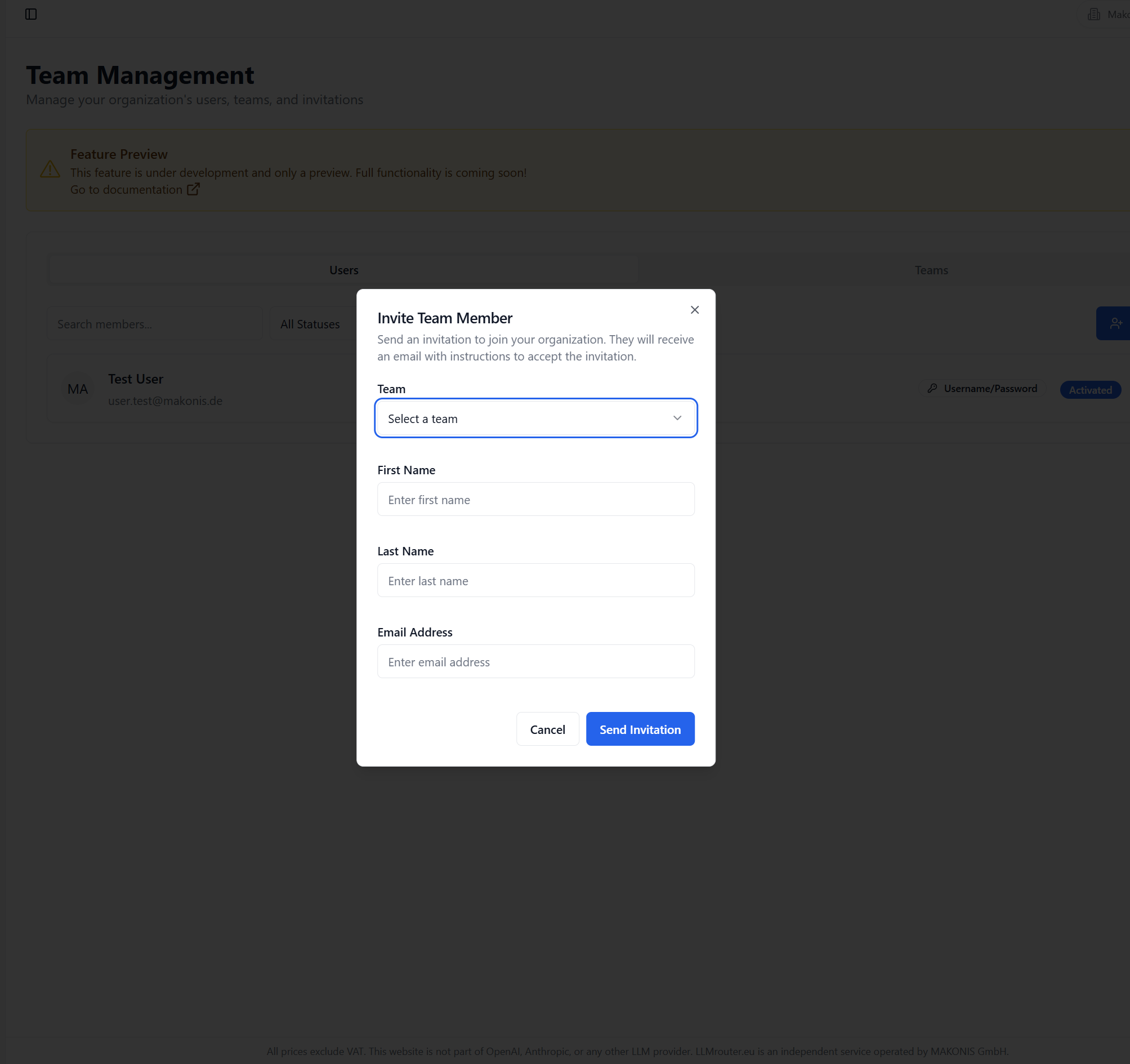
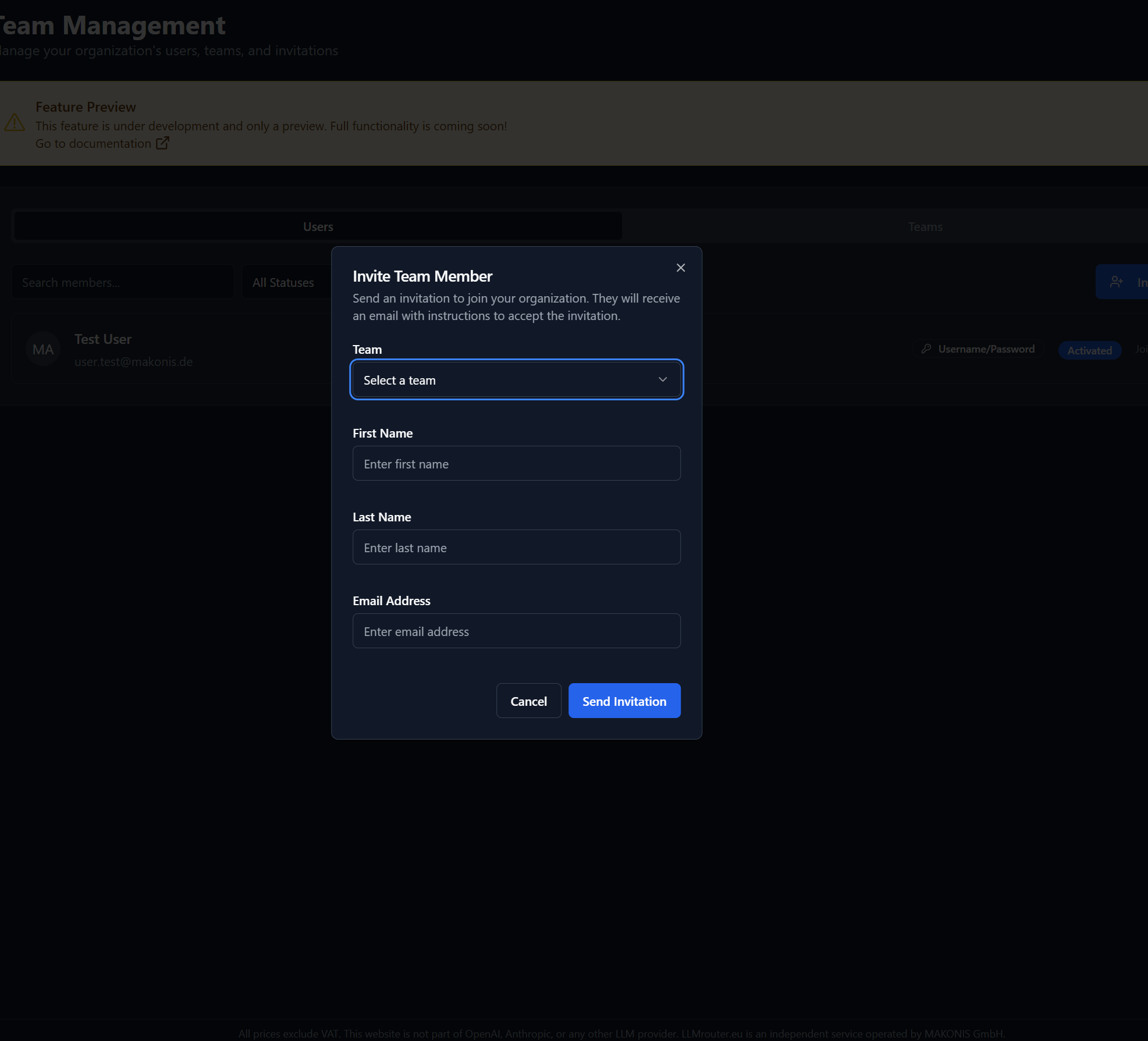
Figure 2: How to invite new user
Notes
This feature is currently in preview. Some functionality may not be fully available yet.